A goniometer often sits beside the level meters on a mixing desk: a screen where a glowing dot darts about and draws a cloud. It shows the stereo picture at a glance: mono is a vertical line, a wide mix a fluffy cloud, and a horizontal line spells trouble, channels out of phase that all but vanish on a mono speaker.
How it works
The left channel goes along one axis, the right along the other, and the picture turns by 45°: the sum (mid, M) points up, the difference (side, S) across. Pure tones in a simple frequency ratio draw a Lissajous figure. A microphone gives one channel, so the layer plots the signal against itself a moment later, a phase portrait. It picks the delay τ at the first zero of the autocorrelation: a quarter period for a pure tone, so a sine draws a circle.
The beam behaves like a cathode-ray tube's: every stretch of path gets the same energy, smeared by a Gaussian spot, so slow turns burn bright and fast sweeps barely show. The older trace fades like phosphor, and a halo glows around it.
A bit of history
Nathaniel Bowditch studied these curves in 1815. In 1857 Jules Antoine Lissajous made them visible by bouncing light off mirrors on two tuning forks set at right angles; the figure let him tune the interval more precisely than the ear. Karl Ferdinand Braun built the cathode-ray tube in 1897, and Lissajous figures became a standard way to compare frequencies. In 1981 Floris Takens proved that delayed copies of one signal recover the shape of a system's attractor: the idea behind “delay” mode. There is even “oscilloscope music”: stereo tracks written so the beam draws pictures.
What to tweak
- “Goniometer view” off gives classic XY: left across, right up.
- A “Window, ms” of 20–50 gives a crisp figure, hundreds a cloud; “Persistence” and “Halo” set how long and how softly the trace glows.
- “Colour” “by speed” shows where the beam brakes: at wave peaks and on turns.
- Whistle into the microphone: a near-pure tone draws an almost perfect circle (the microphone switches to “delay” itself). Load a track or send one from the Studio with “Visualise in Patterns”; a video with sound (“Download” → “Video” → “With sound”) dances to the music, and the “Kaleidoscope” effect turns the cloud into a mandala.
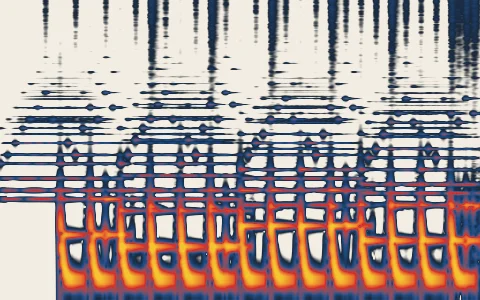 Spectrogram
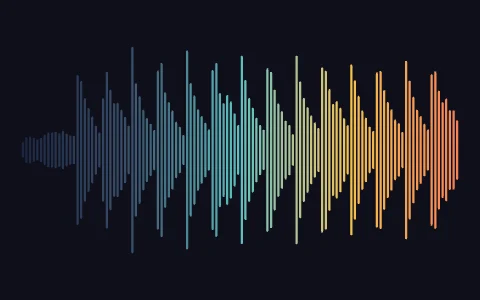 Waveform
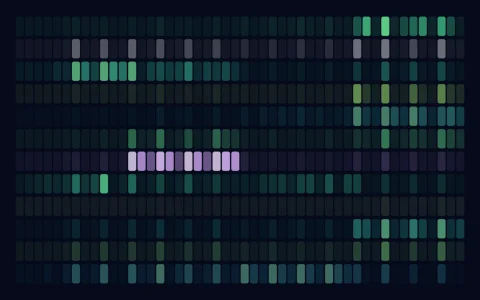 Chromagram
 Chladni figures
 Faraday waves