If every C of every octave goes into one bin, every C sharp into another and so on, twelve numbers remain: how much of each note sounds at this moment, whatever the register. That is a chromagram, harmony without height. Software uses it to guess chords and keys and to spot cover versions; people can watch music move from chord to chord.
How it works
The spectrum (an FFT over 4096 samples) is read from 55 Hz to 5 kHz. Each frequency goes to the nearest equal-tempered note, adding its amplitude to that bin. In every frame the strongest note counts as one, time columns average frames weighted by loudness, and quiet passages are dimmed so a pause does not pass for a chord.
“Grid” runs time left to right and notes upward; the circles set the notes round a clock face with time in rings. The “chromatic circle” steps by semitones, the “circle of fifths” by fifths: 7 and 12 share no factor, so seven semitones at a time visit all twelve notes. Twelve pure fifths almost equal seven octaves; equal temperament shares out the gap, the Pythagorean comma, narrowing each fifth by 2 cents. On the circle of fifths the notes of one key fill seven neighbouring sectors. “Colour” “by note” runs the palette round the same circle, so related notes get related colours.
A bit of history
The first circle of fifths is usually credited to Nikolai Diletsky's Grammatika of 1679. In 1964 Roger Shepard built a tone that rises forever and gets nowhere, pitting chroma against height. In 1999 Takuya Fujishima first proposed recognising chords from such twelve-number profiles. Alexander Scriabin's colours for the light keyboard of Prometheus (1910) also follow the circle of fifths: C red, G orange, D yellow, A green.
What to tweak
- The demo here plays Am, F, C and G: C is in three of them, so its row hardly ever goes dark.
- More “Contrast” leaves only the main notes of a chord; “Size by strength” shrinks the quiet cells.
- “Layout” “circle of fifths” with “Roundness” at 1 makes a mandala where a change of key shows as rotation.
- Load a track and frame the chorus with “Start” and “Length”, or play a chord into the microphone to run it “live”. Songs arrive from the Studio via “Visualise in Patterns”; a video with sound (“Download” → “Video” → “With sound”) keeps the harmony in step with the music; the “Glow” effect adds neon.
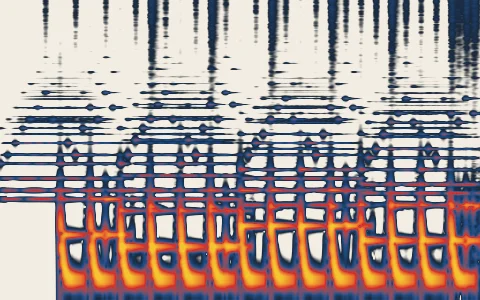 Spectrogram
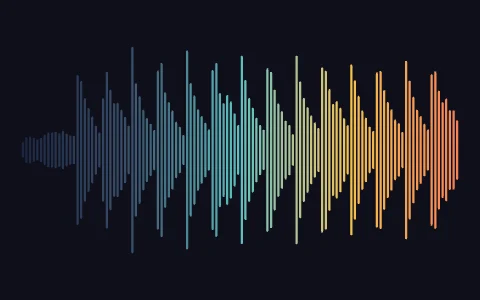 Waveform
 XY oscilloscope
 Chladni figures
 Faraday waves