cull
Interactive TUI disk space analyzer for the terminal
I got tired of waiting for ncdu to finish scanning a directory. Every time it's the same — launch it, stare at the progress bar, wait. On large folders it can take a minute or two. And only then can you start figuring out what's eating your disk. It was crucial for me to be able to use the tool while it's still indexing — open it, immediately see the files, browse directories, while sizes are calculated in the background and sorting updates on the fly.
That's how cull was born. Written in Go with the help of Claude Code, using Bubble Tea (charmbracelet) for TUI. Vim-style navigation, delete to trash or permanently with confirmation, deep scan to find the largest files across all subdirectories.
Install
Via Homebrew:
brew tap legostin/tap
brew install cull
Or build from source:
go install github.com/legostin/cull@latestUsage
cull                        # scan current directory
cull ~/Downloads            # scan specific path
What it does
File system navigation
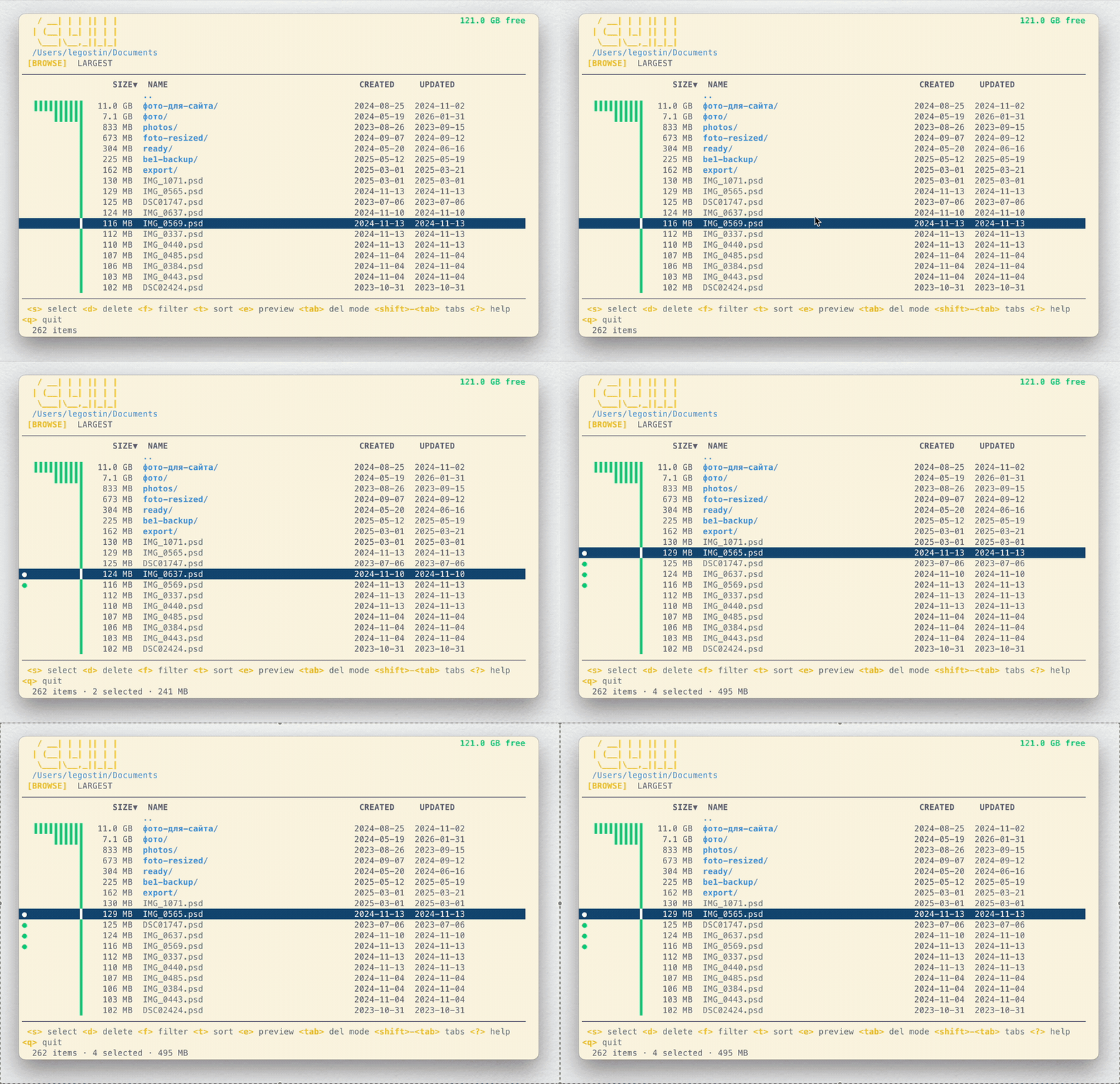
Launch cull and you immediately see the current directory contents. Sizes are calculated in the background, entries re-sort as sizes come in. No need to wait for the scan to finish — you can start browsing right away.
Safe delete to trash
Select files with s (or range-select with S), press d — and they go to trash. Changed your mind? Easy to restore.
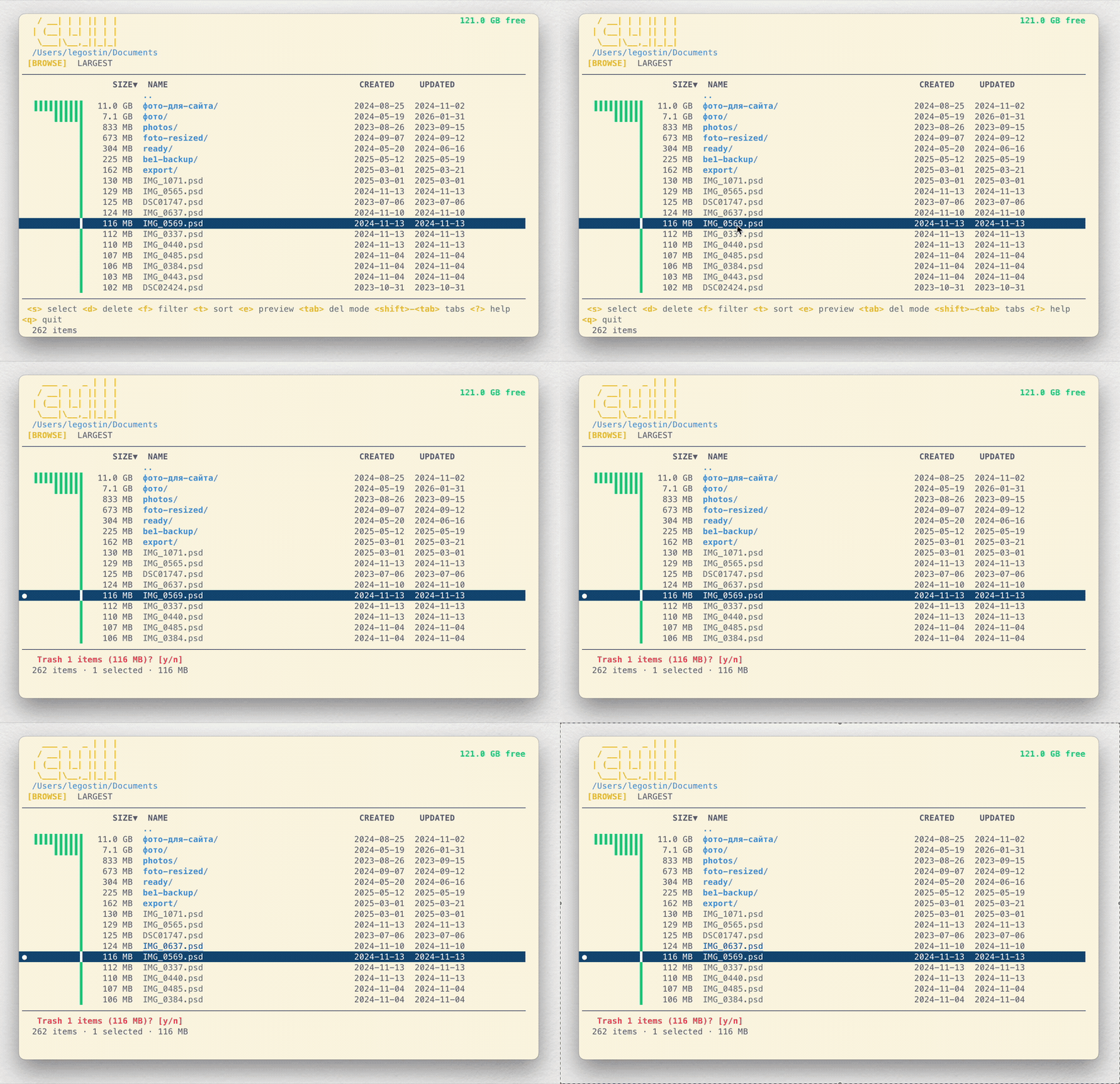
Permanent delete
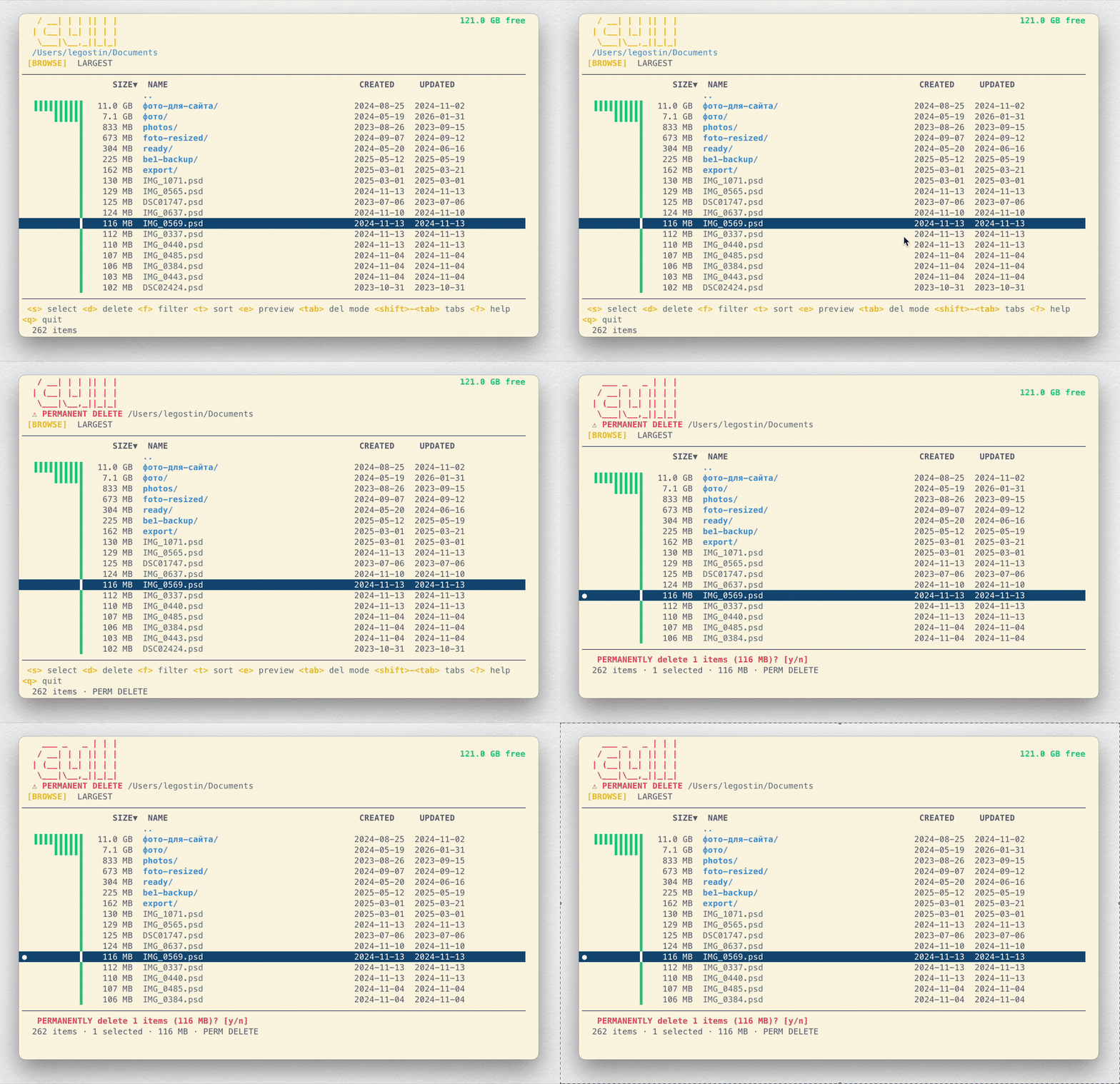
When you're sure — switch mode with tab. A confirmation dialog will appear before deleting, so nothing disappears by accident.
Largest files
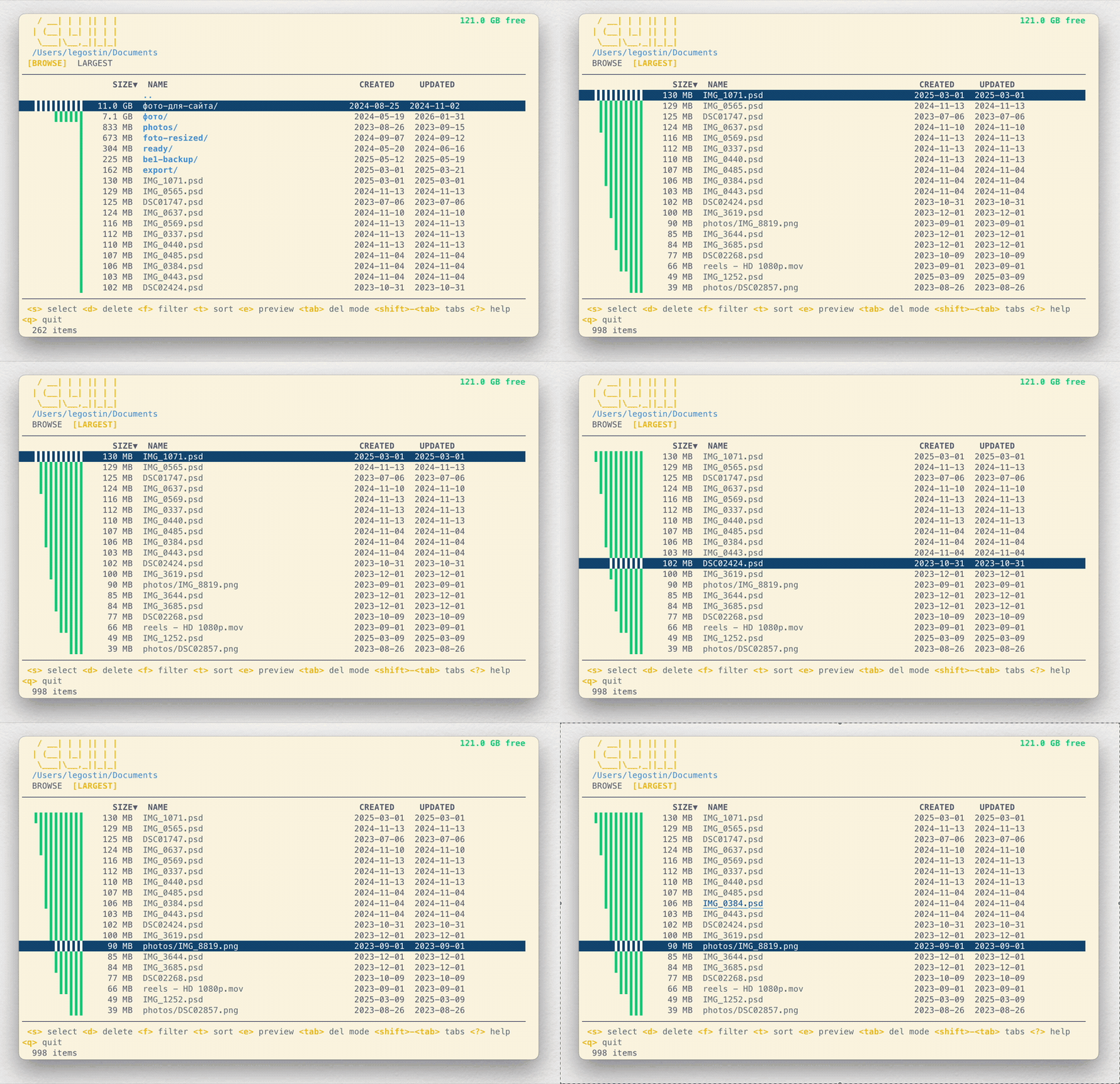
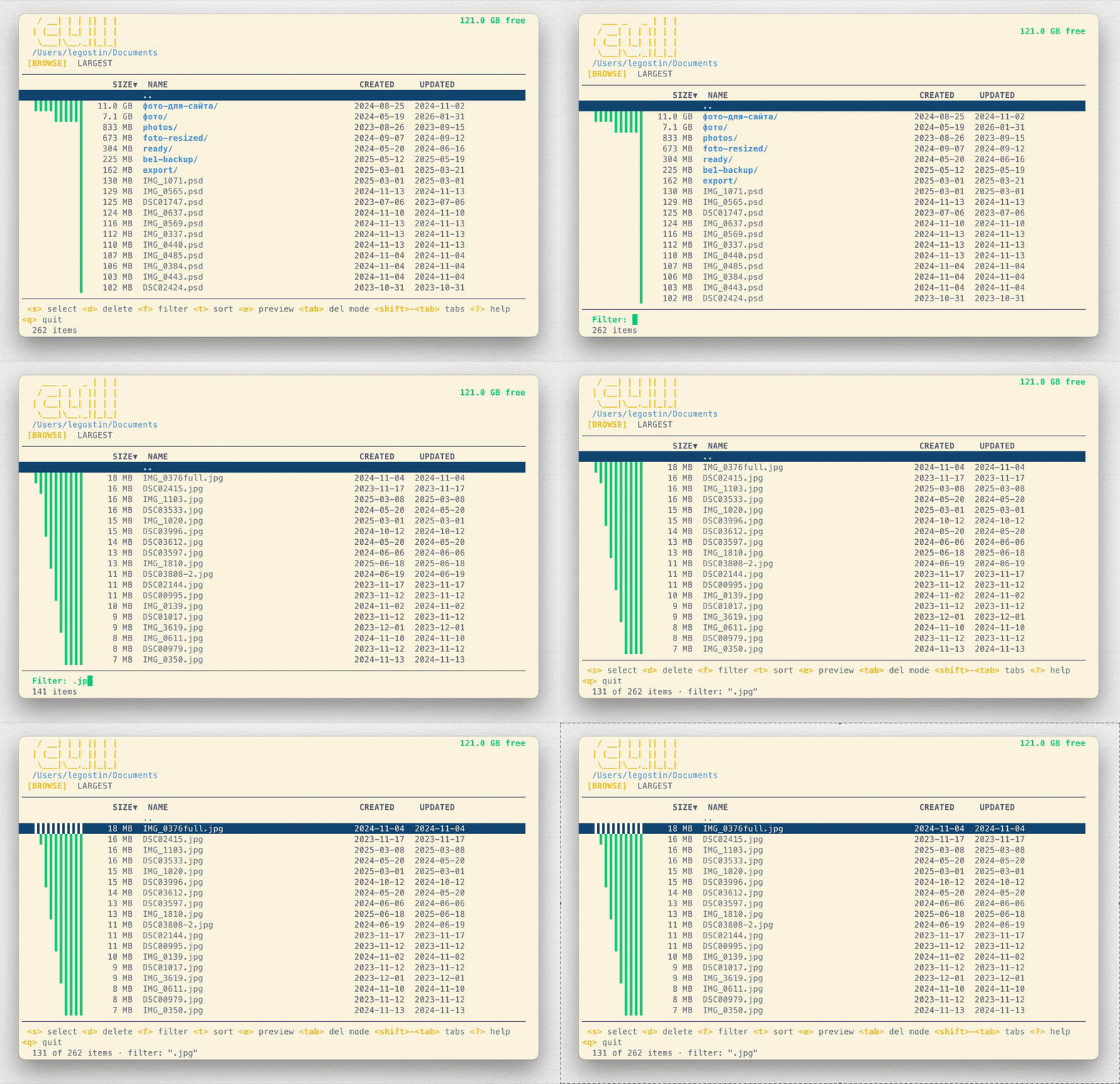
shift+tab opens the Largest tab — a deep scan across all subdirectories to find files taking up the most space. Useful when you can't figure out where your disk space went.
Filter
Press f, type something — and only matching entries are shown. Handy for searching by extension, like .log or .zip.
Keybindings
| Key | Action |
|---|---|
j / k or ↑ / ↓ | Navigate up/down |
g / G | Jump to top/bottom |
enter | Enter directory |
backspace / esc | Go back (parent directory) |
s | Toggle selection |
S | Range select |
d | Delete selected |
e | Dry-run preview |
f | Filter by name |
h | Toggle hidden files |
t | Sort (size / name / date) |
tab | Toggle trash / permanent |
shift+tab | Toggle Browse / Largest |
space | Quick Look (macOS) |
? | Help |
q / ctrl+c | Quit |
cull is a free interactive TUI disk space analyzer written in Go. It scans directories in the background, shows file and folder sizes, and lets you find and delete unwanted files right from the terminal.
Unlike classic utilities like du or ncdu, cull starts showing results instantly — sizes are calculated in the background while the interface updates on the fly. Supports safe deletion to trash and permanent deletion with confirmation, vim-style navigation, name filtering, and finding the largest files.
Install via Homebrew (brew install cull) or build from source with go install. Open source project, MIT license. Works on macOS and Linux.